
That is called a Jynstrument. It's a bundle of Jython code and other resources. The Jython code defines an object deriving from the Java Jynstrument class (itself deriving from JPanel). This object will be instantiated by the instrumented JMRI code itself and then is event driven.
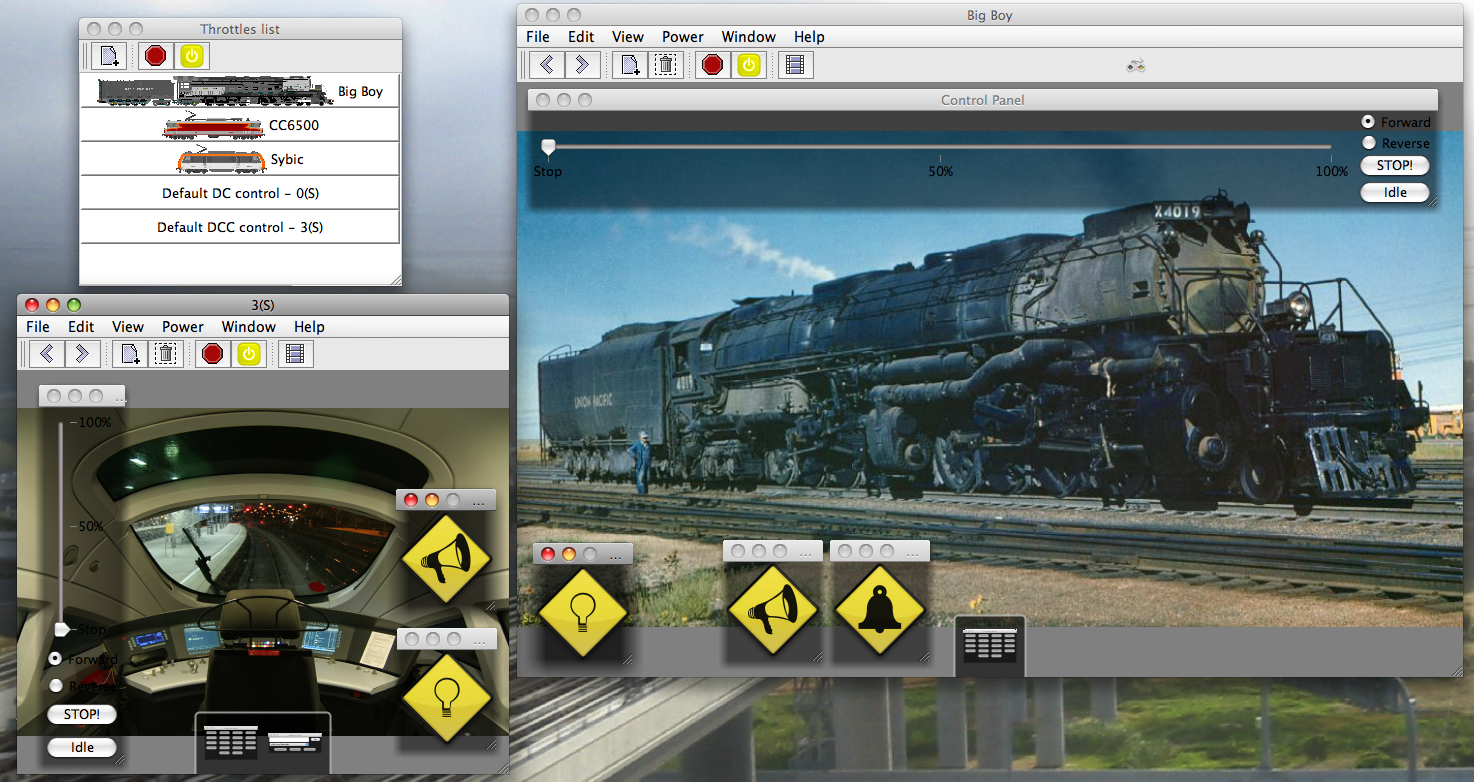 Have a look at the Jython folder in your source tree, there is Jynstruments folder with a README and a ThrottleFrame/Light.jyn to
be tried on the JMRI Throttle window. The image to the right shows them in use (the diamond
buttons).
Have a look at the Jython folder in your source tree, there is Jynstruments folder with a README and a ThrottleFrame/Light.jyn to
be tried on the JMRI Throttle window. The image to the right shows them in use (the diamond
buttons).
In the Jython folder, you'll also find a simple Test.jyn for testing purpose.
See ThrottleFrame.java for how to make code instrumentable; more details are in the README.
Usage is quite simple, drag'n drop the Light.jyn folder onto a JMRI Throttle Window (on
window content itself, the toolbar is instrumentable too, but won't accept the
Lights.jyn).
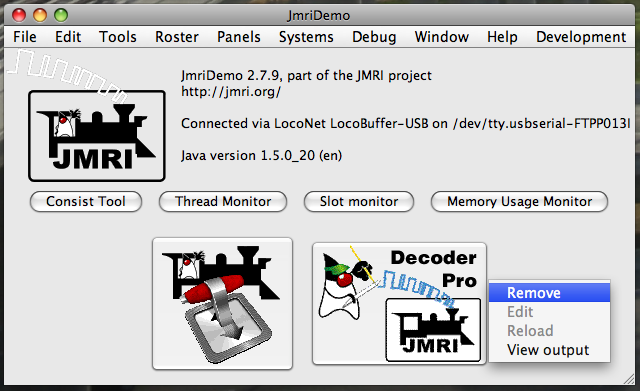
Once the Jynstrument is started, the GUI will update, a Jynstrument property menu is
accesible by right clicking on the Jynstrument or its border. From this menu you can Remove
the Jynstrument, or view its Ouput.
See the content of the Jynstrument itself (comments in the .py file) for specific
informations about them.
Several parts of JMRI are Jynstrumentable today: